

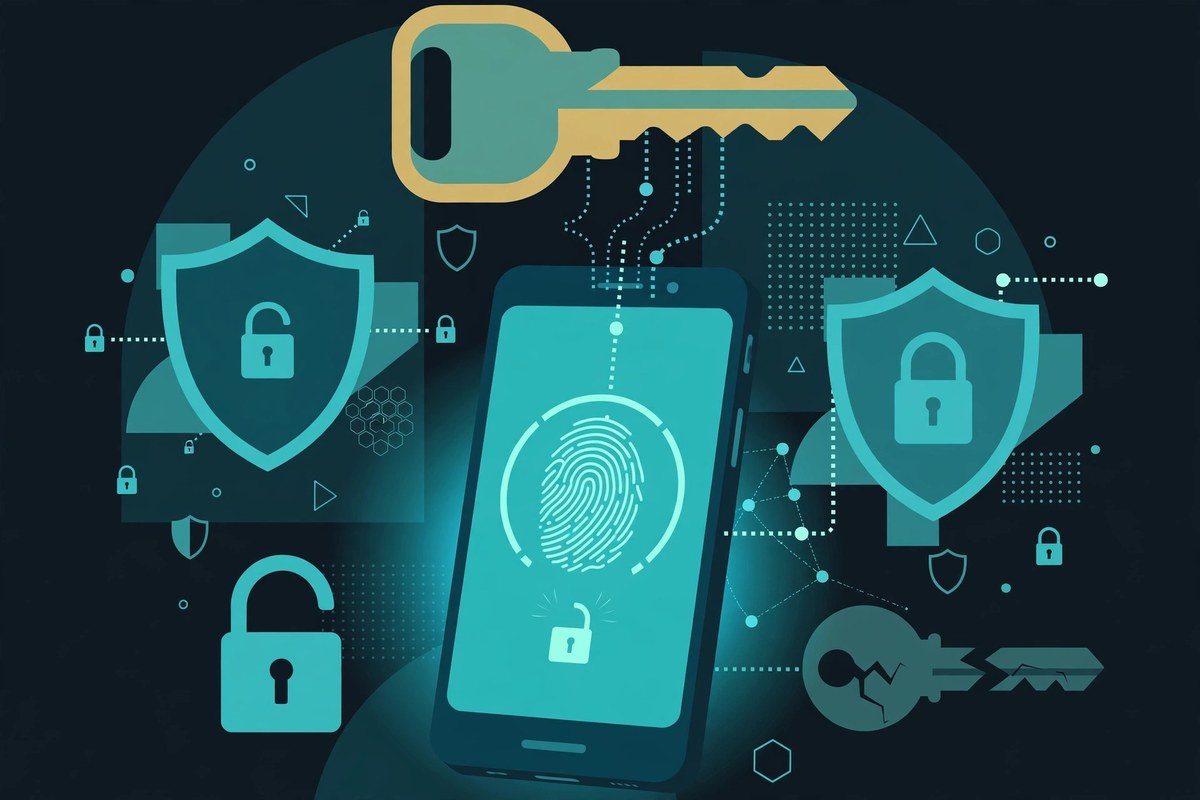
The password has survived every prediction of its death, mainly because it is simple: you know a secret, you type it, you are in. Passkeys change that bargain at its root. Instead of a secret shared with a website, you keep a key on your device and prove, with a fingerprint, a face scan, or a PIN, that you hold it.
What happened
Passkeys are credentials built on the FIDO2 standard, backed by Apple, Google, and Microsoft and developed through the FIDO Alliance. When you create one, your device generates a pair of cryptographic keys. The website stores the public key. The private key stays with you, protected by the way you unlock your device.
The shift in 2026 is less about invention and more about defaults. Google made passkeys the default sign-in option for personal accounts in 2023, according to Dashlane. Microsoft presents passkeys in Windows through Windows Hello, where a PIN, fingerprint, or face check unlocks the credential.
Yet the most useful recent evidence is also the most sobering. Dashlane's 2026 Passkey Power 20 report, published during Cybersecurity Awareness Month, measured passkey use against total login activity among Dashlane users. It found passkeys in 28 percent of measured Google logins, 23 percent at GitHub, 21 percent at HubSpot, 6 percent at Microsoft, and 4 percent at OpenAI. Even the leading service in that ranking still sees most logins happen the old way. That gap — availability without habit — is the story.
How a passkey actually works
Picture a passkey not as a better password, but as a lock and key made for one door only. A password is a shared secret; a passkey splits that job in two.
When you sign up, your device creates a unique key pair for that account on that site. The public key goes to the site. The private key stays on your device, or in your credential manager, and is never sent to the site — not at setup, and not at sign-in. At sign-in, the site sends a one-time challenge. Your device signs it with the private key, after you approve it locally, and the site checks the signature against the public key it holds.
Two details do most of the security work. First, the private key is tied to the exact domain that created it, so a passkey made for your bank will not work on a lookalike site. Second, your fingerprint or face scan is not sent to the website. It only unlocks the key on your own device, and the FIDO Alliance says the biometric data itself stays on the device.
There are two forms. Synced passkeys are available across your devices via a credential manager, with end-to-end encrypted syncing, according to the FIDO Alliance. Device-bound passkeys stay on one device or hardware key — stronger, but harder to recover.
| Factor | Password | Passkey |
|---|---|---|
| What the site stores | A version of your shared secret | Only a public key |
| What you type | A secret, every time | Nothing — approve with fingerprint, face, or PIN |
| Fake-site risk | High: a lookalike can capture the secret | Low: the key is bound to the real domain |
| If the site is breached | Credentials may need resetting | A public key alone cannot sign you in |
| Works everywhere? | Almost everywhere | Only where the site supports passkeys |
Why it matters
The first benefit is phishing resistance, and it is structural rather than a matter of being careful. A careful person can still be fooled by a convincing fake login page. A passkey, by design, has nothing useful to hand over to that page, because the credential only works for the real domain. That matters most for email and banking accounts, which are also the accounts other accounts can be reset through.
The second benefit is quieter: less to remember or reuse. A passkey removes that job for supported accounts.
The momentum is real, if uneven. Dashlane reported that 57 percent of its users now store at least one passkey, up from 40 percent a year earlier, and that monthly passkey authentications among its users had nearly doubled to 2.5 million. Those figures describe Dashlane users, not the whole internet.
The trade-offs, honestly
Passkeys are stronger, but not simpler in every situation. The trade-offs are practical, and worth naming before you switch an important account.
- Recovery is the weak link. If your passkeys sync, signing in to that manager on a new phone should restore them. With a device-bound passkey and no backup, recovery depends on the service fallback — often an email or SMS check.
- Sharing is different. You cannot simply tell someone a passkey. Shared accounts need a manager that supports sharing, or a different arrangement.
- Moving providers takes planning. Passkeys live inside a provider — a phone manager, browser, or separate manager. The FIDO Alliance points to a credential exchange protocol for porting them, but switching is still worth checking first.
- Fallbacks can undo the gain. A service that lets you reset a passkey account with only an email link has kept the old door open beside the new lock.
A sensible way to start is narrow: begin with your email account, because it guards resets for almost everything else. Create the passkey on at least two devices where possible, keep a backup sign-in method active, and let the passkey prove itself for a few weeks before deleting your password.
What happens next
The next phase is unlikely to be a dramatic announcement that passwords are dead. It is more likely to be a slow change in defaults: more services offering a passkey at sign-up, more phones and browsers treating it as the normal option, and more workplaces requiring phishing-resistant sign-in for sensitive systems.
Three things are worth watching: whether passkey use, not just availability, keeps climbing; whether portability makes switching providers easy; and whether recovery becomes boring rather than frightening. Passwords may never vanish for small sites and old systems, but they are becoming the backup method.
What is a passkey?
A passkey is a credential that lets you sign in without typing a password. Your device holds a private key, the website holds only the matching public key, and you approve sign-in with the same fingerprint, face scan, or PIN you use to unlock your device.
What happens if I lose my phone?
If your passkeys are synced through a credential manager, sign in to that manager on a new device and they should be available there. Keep a backup sign-in method active too.
Do passkeys work on every website?
No. Passkeys work only where a website or app supports them, so most people will use both for a while. Check each service sign-in or security settings for a passkey option.